
Vozohealth

Messages Without Risk.

Secure Messaging EHR Software Built For Clinical Teams

Unsecure texts, delayed responses, and scattered conversations slow care delivery; Vozo keeps clinical communication protected and organized.

Why Choose Vozo for Secure Messaging

Built for healthcare teams that need fast communication without compromising privacy or workflow control.

Protected By Design

HIPAA-compliant messaging software keeps patient communication secure without relying on consumer messaging apps.

EHR-Connected Conversations

Secure messaging EHR software ties messages directly to patient records for context and continuity.

Faster Team Coordination

Healthcare team communication software reduces delays that slow decisions and frustrate care teams.
Features

What Secure Messaging Handles For You

Keeps clinical and patient communication secure, organized, and easy to manage across daily workflows.

Internal Team Messaging

Enables staff to communicate securely inside the EHR without relying on personal phones or external tools.
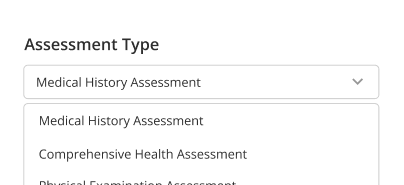
Patient Communication

Allows patients and care teams to exchange messages securely without email, texts, or privacy concerns.

Encrypted Conversations

Protects sensitive clinical information with encrypted medical messaging during transmission and storage.
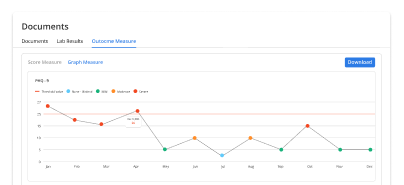
Message Tracking

Shows message delivery and response status so teams know what has been seen and addressed.
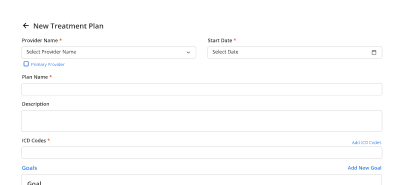
Role-Based Access

Restricts message visibility based on staff roles to maintain privacy and appropriate information access.
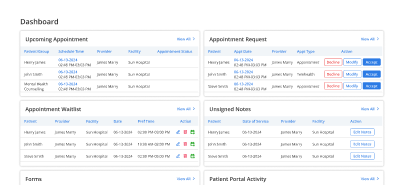
Conversation History

Keeps message history organized and accessible to support continuity, follow-ups, and clinical context.

How Vozo Secure Messaging Fits Into Your Day

Faster responses

Fewer interruptions

Clear accountability

Less phone tag

Protected conversations

Better coordination

Reduced communication risk
Operational Impact You Can Measure

Clear communication reduces delays, prevents missed messages, and supports faster clinical decisions.

Faster Responses
0 %
Fewer Callbacks
0 %
Message Visibility
0 %
Encrypted Messages
0 %

Additional Related Features

Patient Portal / Client Portal

Secure conversations ➜

Care Coordination

Team communication ➜

Notes & Documentation

Message context ➜

Dedicated Dashboard

Message visibility ➜

Testimonials

Success Stories From Our Users

What Practices Say

“Vozo helped our team manage patient communication without relying on phone calls, personal inboxes, or scattered messages. Secure messaging keeps conversations connected to the care workflow and easier to track.”

— Dr. Elodie Grant, Primary Care Physician

“Our staff needed a safer way to handle patient questions, follow-ups, and care instructions. Vozo made secure communication easier to manage while keeping patient information protected.”

— Kieran Moss, Patient Communication Manager

Blogs & Resources

Resources to Help Your Practice Grow

EHR Selection Mistakes

Details errors such as ignoring stakeholders, underestimating training, overfocusing on cost, and neglecting support/scalability.

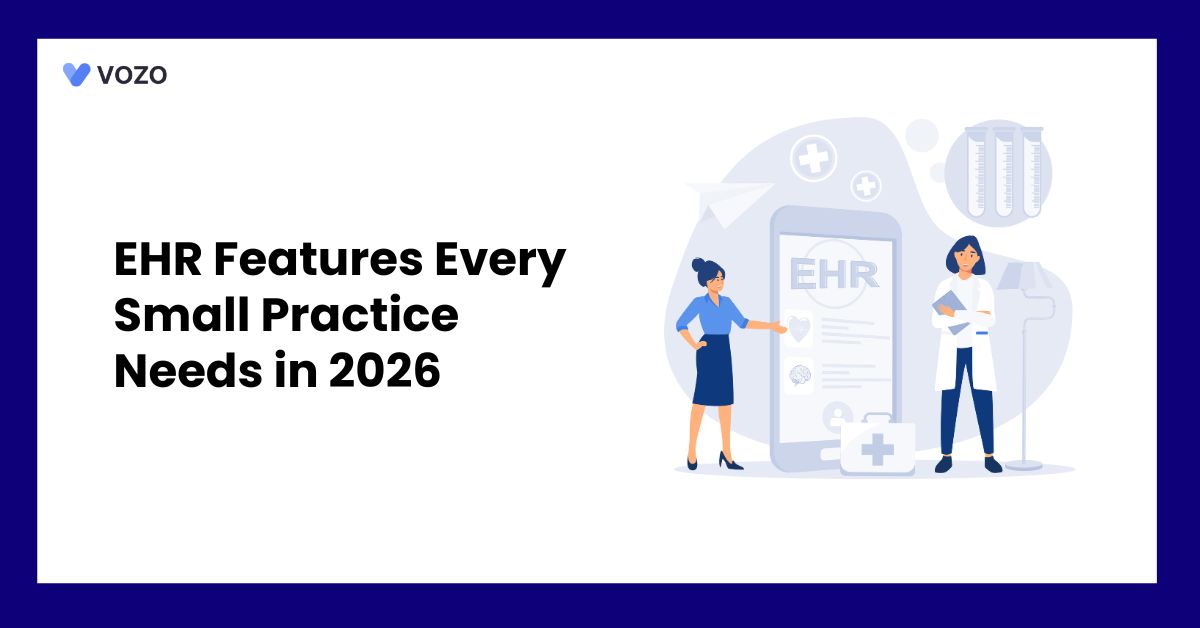
Small Practice Features

2026 guide highlights usability, AI scribes, telehealth integration, interoperability, and scalable features for lean clinics.

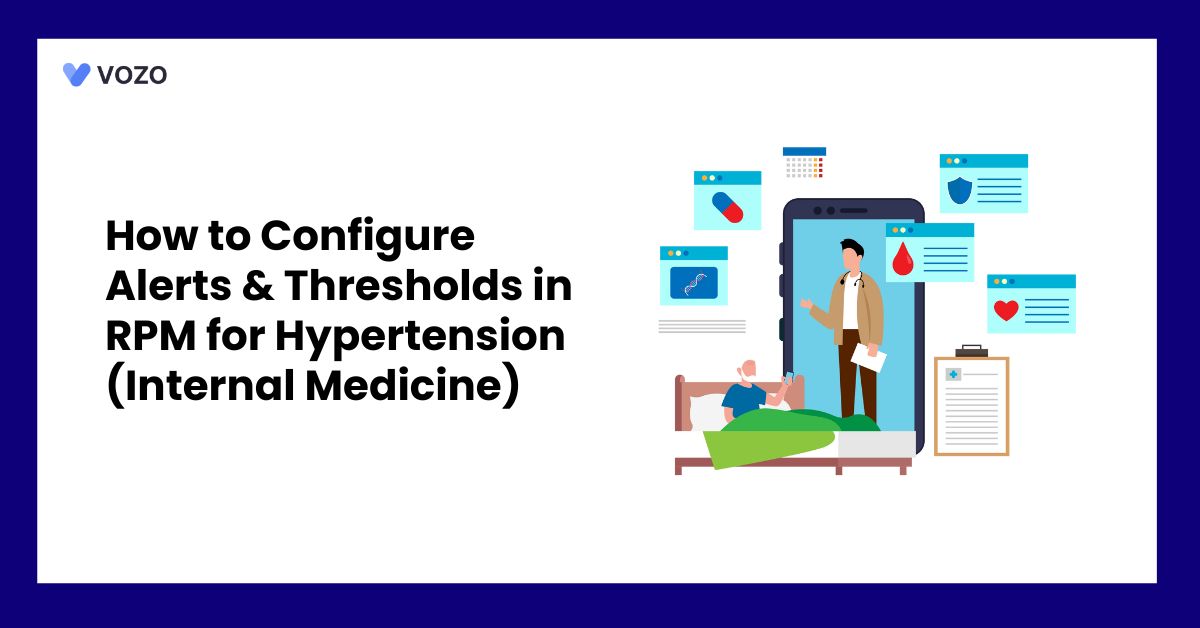
RPM Alert Configuration

Guides setting hypertension thresholds in RPM for internal medicine, optimizing remote monitoring alerts.

FAQ

What Care Teams Ask About Secure Messaging

How do healthcare teams manage communication during daily clinical workflows?

Healthcare teams manage communication through appointment updates, patient follow-ups, internal coordination, referral discussions, and clinical task updates throughout the day.

When communication happens through calls, emails, or disconnected apps, information can easily get delayed or missed. Secure Clinical Messaging Software helps teams keep communication organized within the clinical workflow itself.

What slows down communication between providers and staff in busy practices?

Communication delays usually happen when teams rely on voicemail, unsecured texting, paper notes, or scattered messaging tools. Staff may struggle to track updates across departments or locate the latest patient-related conversation. Healthcare Team Communication Software helps centralize operational and clinical discussions so information stays visible and easier to manage.

How are patient conversations handled securely inside healthcare systems?

Patient communication is typically managed through encrypted portals or secure in-system messaging tied directly to the patient record. A Secure Patient Messaging Platform helps practices exchange updates, reminders, forms, and follow-up instructions while keeping conversations protected and connected to the broader clinical workflow.

What happens when clinical communication is managed outside the EHR?

When communication happens outside the EHR, teams often lose visibility into important updates, patient responses, care instructions, or follow-up actions. This creates workflow fragmentation and increases the risk of missed information.

Secure Messaging EHR Software helps practices keep communication connected directly with scheduling, documentation, and patient records.

Where do communication breakdowns usually happen inside clinics?

Breakdowns commonly happen during shift handoffs, referral coordination, patient follow-ups, lab result discussions, and front-desk communication. Teams may depend on manual relays or disconnected apps that do not synchronize updates properly.

A Clinical Messaging Platform improves visibility across workflows and helps reduce communication gaps between operational and clinical teams.

How can practices reduce risks associated with unsecured healthcare messaging?

Practices reduce communication risks by using HIPAA Compliant Messaging Software with encrypted access, role-based permissions, audit tracking, and protected patient conversations.

This helps prevent sensitive information from being shared through unsecured texting apps, personal devices, or email systems not designed for healthcare communication workflows.

What improves consistency in provider-to-provider communication workflows?

Consistency improves when providers, front-desk staff, billing teams, and care coordinators communicate within one connected workflow instead of switching between separate tools. Secure Provider Messaging systems help organize updates, reduce missed follow-ups, and keep communication tied directly to patient activity and operational workflows.

How affordable is Vozo EHR for practices needing secure messaging workflows?

Vozo EHR starts at $25 per provider per month and includes secure messaging, scheduling, documentation, billing, patient communication, and operational workflows within one connected platform. This gives practices an affordable way to manage encrypted healthcare communication without paying separately for disconnected messaging and collaboration tools.

How does Vozo EHR improve communication across healthcare teams?

Vozo EHR improves communication by connecting secure messaging with scheduling, patient records, billing, documentation, and operational workflows in one system. Teams can exchange updates, coordinate tasks, and manage patient-related communication without switching between separate messaging applications or unsecured communication channels.

What results can teams expect from using Vozo secure messaging workflows?

Teams using Vozo secure messaging workflows can expect faster internal coordination, reduced communication delays, better follow-up visibility, and more organized patient interactions. Connected messaging workflows help practices improve operational efficiency while keeping provider communication, patient updates, and clinical discussions centralized within one secure environment.

Reduce Communication Risk Across Your Practice

Secure every message without slowing down care delivery.

✓ No Credit Card Required


  • 24/7 Support
  • Free data migration from your old EHR


  • Built-in telehealth
  • Automated appointment reminders


  • Increase revenue by 30%
  • Complete patient notes
Launch login modal Launch register modal