
Vozohealth

Care Never Pauses Here.

mHealth Software That Keeps Care Moving Between Visits

Missed forms and unfinished follow-ups create extra work. Vozo keeps patients on track before problems reach your schedule.

Why Choose Vozo for mHealth

Built for growing practices that rely on consistent patient follow-up, not disconnected apps.

Between Visit Continuity

Supports follow-ups, forms, and check-ins after appointments, with a focus on clinical care rather than wellness tracking.

Direct EHR Sync

All mobile activity records are automatically captured through mHealth EHR integration, eliminating the need for re-entry and ensuring connected information.

Reduced Staff Follow-Up

Patients complete assigned tasks through a healthcare mobile app, lowering reminder calls and manual chasing.
Features

What mHealth Handles for You

Supports consistent patient follow-through without increasing daily workload.

Mobile Patient Access

Patients securely access forms, instructions, and assigned care tasks through an easy-to-use healthcare mobile app.

Structured Follow Ups

Automated prompts guide patients through required steps, reducing reliance on staff reminders and manual outreach.
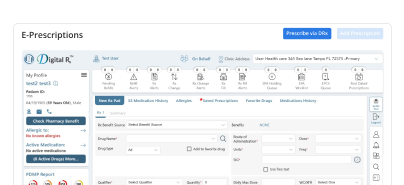
EHR Synced Activity

Patient actions automatically update the chart through mHealth EHR integration, keeping records accurate and complete.
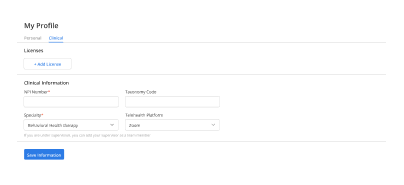
Configurable Care Paths

Teams configure custom mHealth solutions aligned with specialty workflows, visit types, and ongoing care plans.
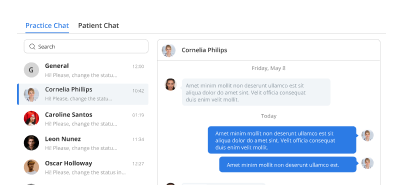
Secure Patient Messaging

Patients communicate appropriately through a HIPAA-compliant mobile health app with documented, workflow-safe messaging.

Ongoing App Support

Consistent mHealth app support ensures patients and staff receive help without workflow disruption or abandoned tools.

How mHealth Fits Into Your Day

Reminder reduction

Task completion

Visit readiness

Progress visibility

Surprise avoidance

Workflow predictability

Care continuity
Operational Impact You Can Measure

Clear gains in follow-through, documentation readiness, and staff efficiency.

Higher Completion
0 %
Fewer Calls
0 %
Faster Tasks
0 %
Duplicate Entries
0

Additional Related Features

Patient Portal

Self-service access ➜

Forms & Documentation

Visit-ready intake ➜

Automated Reminders

Fewer missed steps ➜

Telehealth Sessions

Remote continuity ➜

Testimonials

Success Stories From Our Users

What Practices Say

“Vozo’s iPad app made clinic rounds much easier. I can review patient details, update notes, and check schedules without going back to a workstation between visits.”

— Dr. Imani Calder, Outpatient Physician

“Our providers needed mobile access that felt practical during real clinic hours. Vozo helped them manage charts, appointments, and follow-ups directly from the iPad.”

— Noor Halden, Clinical Operations Manager

Blogs & Resources

Resources to Help Your Practice Grow

CharmHealth Alternatives

Top CharmHealth alternatives for clinics featuring VozoHealth’s all-in-one EHR, telehealth, and RCM capabilities.

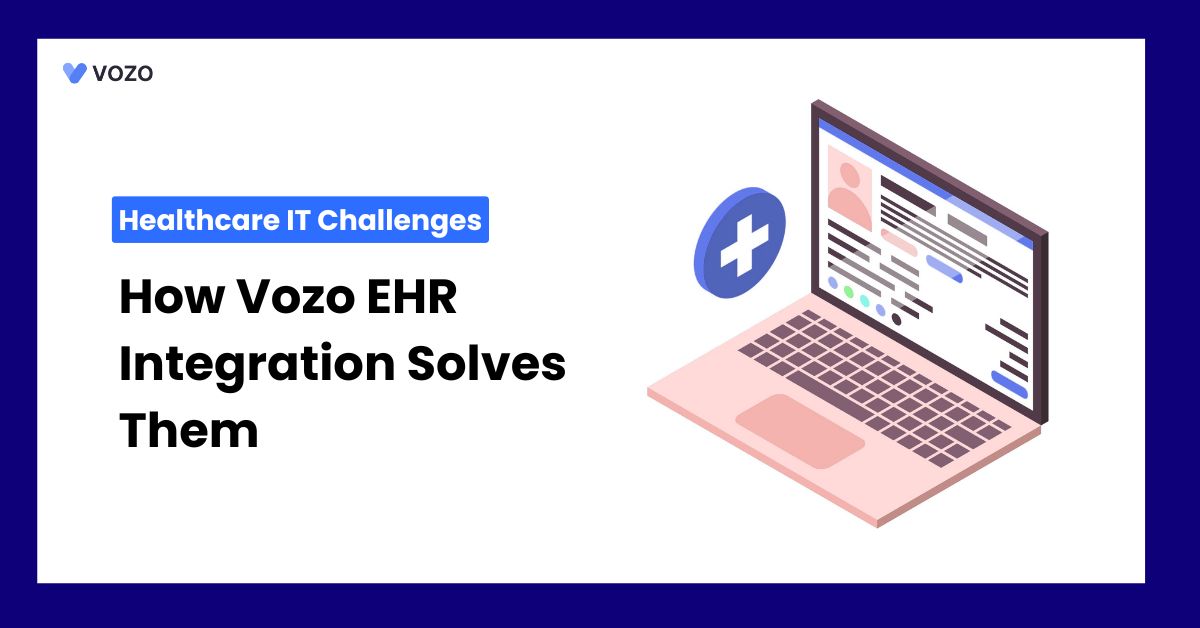
Healthcare IT Challenges

Vozo EHR integration solves major healthcare IT challenges through seamless interoperability and workflow automation.

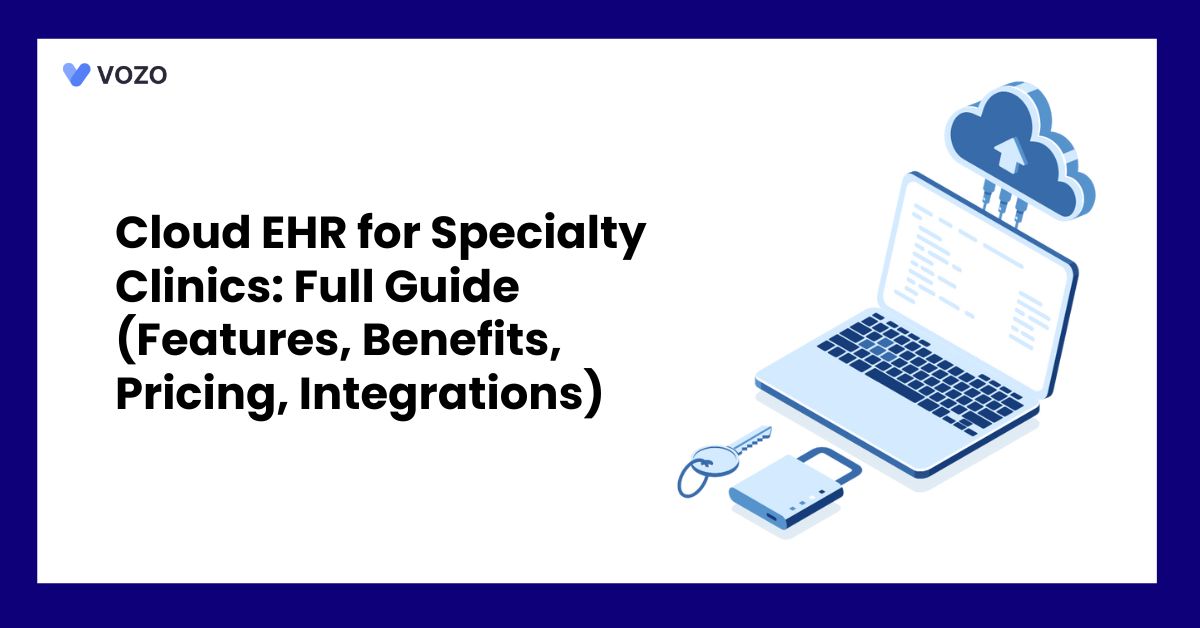
Specialty Clinic EHR Guide

Complete guide to cloud EHR for specialty clinics covering features, benefits, pricing, and integrations.

FAQ

What Care Teams Ask About mHealth Workflows

How can mobile EHR access support providers during care?

Mobile EHR access helps providers view patient charts, schedules, notes, and care details without staying tied to a desktop. Clinicians can document visits, check records, and manage follow-ups from a smartphone or tablet. This keeps care delivery more flexible, especially during rounds, remote visits, or between patient appointments.

Which clinical tasks can be completed on mobile devices?

Providers can use a mobile EHR app to review patient records, update clinical notes, manage appointments, send prescriptions, check lab results, and join telehealth visits. These tasks can be handled from an iPad, iPhone, or Android device, reducing the need to return to a workstation after every encounter.

How does real-time syncing keep patient charts accurate?

Real-time syncing keeps patient information updated across every connected device. When a provider edits a note, updates a schedule, or reviews billing details on one device, the same information becomes available across the EHR. This reduces duplicate entries, prevents outdated records, and keeps clinical teams working from current data.

Is mobile access safe for protected health information?

Yes, when the platform follows HIPAA-aligned security standards. A secure healthcare mobile app should protect patient information with encryption, two-factor authentication, and role-based access controls. These safeguards help ensure that only authorized users can view or update sensitive clinical records from mobile devices.

How can patient mobile access reduce front-desk workload?

Patient mobile access can reduce calls and manual coordination by allowing patients to schedule appointments, message the care team, pay bills, join telehealth visits, and manage basic health information. This gives patients more control while helping front-desk staff spend less time on routine administrative requests.

How does mobile EHR integration support remote monitoring workflows?

Mobile EHR integration helps providers review patient-submitted vitals, remote monitoring data, and health updates between visits. Abnormal readings can be checked from a mobile device, allowing faster follow-up when needed. This is useful for chronic care, post-visit monitoring, and care teams managing patients outside the clinic.

Which devices should a healthcare mobile app support?

A healthcare mobile app should support commonly used clinical devices such as iPad, iPhones, Android phones, and tablets. This gives providers flexibility to choose the device that fits their workflow. Cloud-based access also helps teams move between mobile and desktop use without switching systems or losing patient context.

How does Vozo connect notes, scheduling, and billing?

Vozo connects clinical notes, scheduling, billing, and patient communication within one mobile-ready EHR platform. Providers can access charts, complete documentation, review appointments, and support claims workflows from iPad, iPhone, Android, or desktop. This keeps daily practice operations connected without requiring separate tools for each task.

Is Vozo EHR suitable for solo and small practices?

Yes. Vozo EHR supports solo providers and small practices with mobile access, shared records, role-based permissions, and connected scheduling. Independent providers can manage care on the go, while growing teams can coordinate appointments, documentation, and patient communication across multiple users within the same cloud-based system.

How can practices start using Vozo mHealth tools?

Practices can start using Vozo mHealth tools through a 14-day free trial with no credit card required. The trial includes access across iPad, iPhone, and Android devices. Teams can also book a guided demo to see how Vozo’s mobile EHR app fits their clinical workflow and patient engagement needs.

Every Missed Slot Costs More

Stabilize your schedule now before small gaps turn into daily disruptions.

✓ No Credit Card Required


  • 24/7 Support
  • Free data migration from your old EHR


  • Built-in telehealth
  • Automated appointment reminders


  • Increase revenue by 30%
  • Complete patient notes
Launch login modal Launch register modal