
Vozohealth

Keep the Day on Track.

Cloud Practice Management Software That Reduces Delays Across Your Practice

Scheduling gaps, billing delays, and front-desk overload can slow down the whole day. Vozo helps your team reduce follow-up work, move patients through faster, and keep daily operations on track.

Built-in controls for cleaner scheduling, billing, and staff access

Why Choose Vozo for Practice Management

Vozo helps clinics run scheduling, billing, and daily coordination with less friction and fewer delays.

Built for Clinic Coordination

Vozo keeps the front desk, provider, and billing work aligned, so fewer tasks get missed or pushed to later.

Helps Staff Move Faster

From scheduling to claim-related follow-up, Vozo gives teams a clearer way to manage work without depending on spreadsheets, sticky notes, or workarounds.

Keeps Access Organized

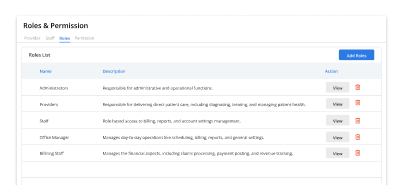
Role-based permissions help each team member work with the appropriate level of access, reducing avoidable errors and protecting patient information.
Practice Management Features That Support Daily Clinical Work

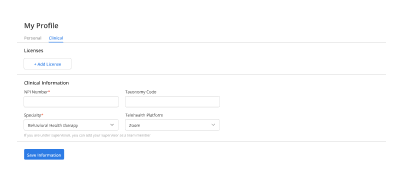
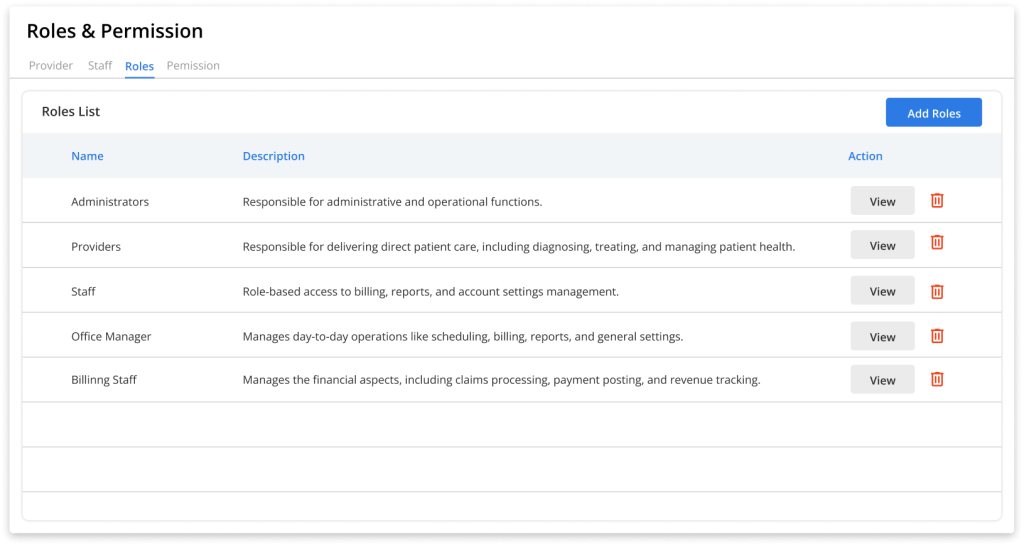
Role Management

Stop access mistakes before they cost you

Billing errors, misfiled records, and HIPAA risks often trace back to the wrong person having the wrong access.

Onboard new staff instantly assign a role and they're ready, no IT tickets required.

Limit PHI access by responsibility keeps your practice audit-ready and compliant.

Role-based task ownership reduces handoff confusion across scheduling and billing.

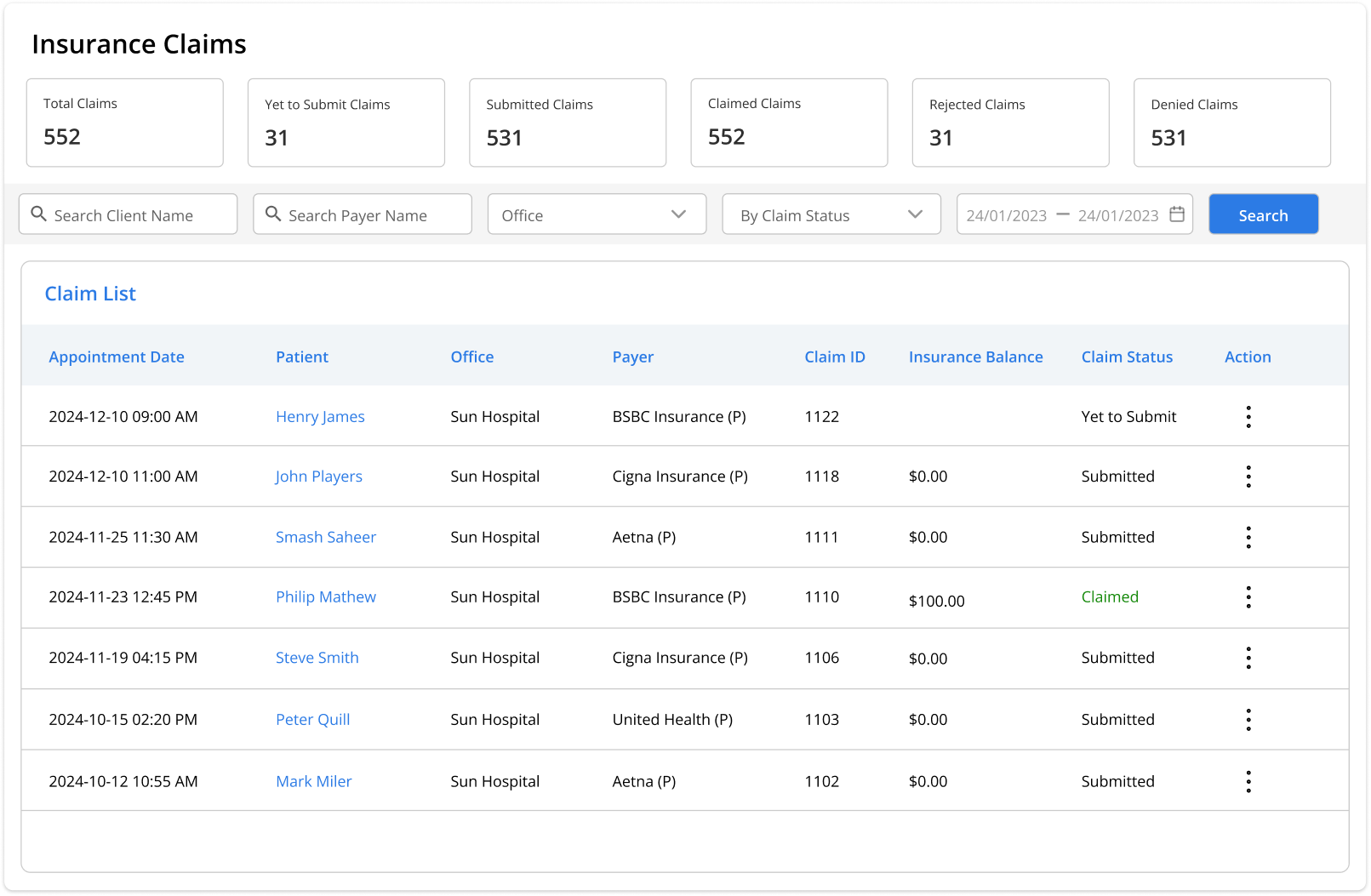
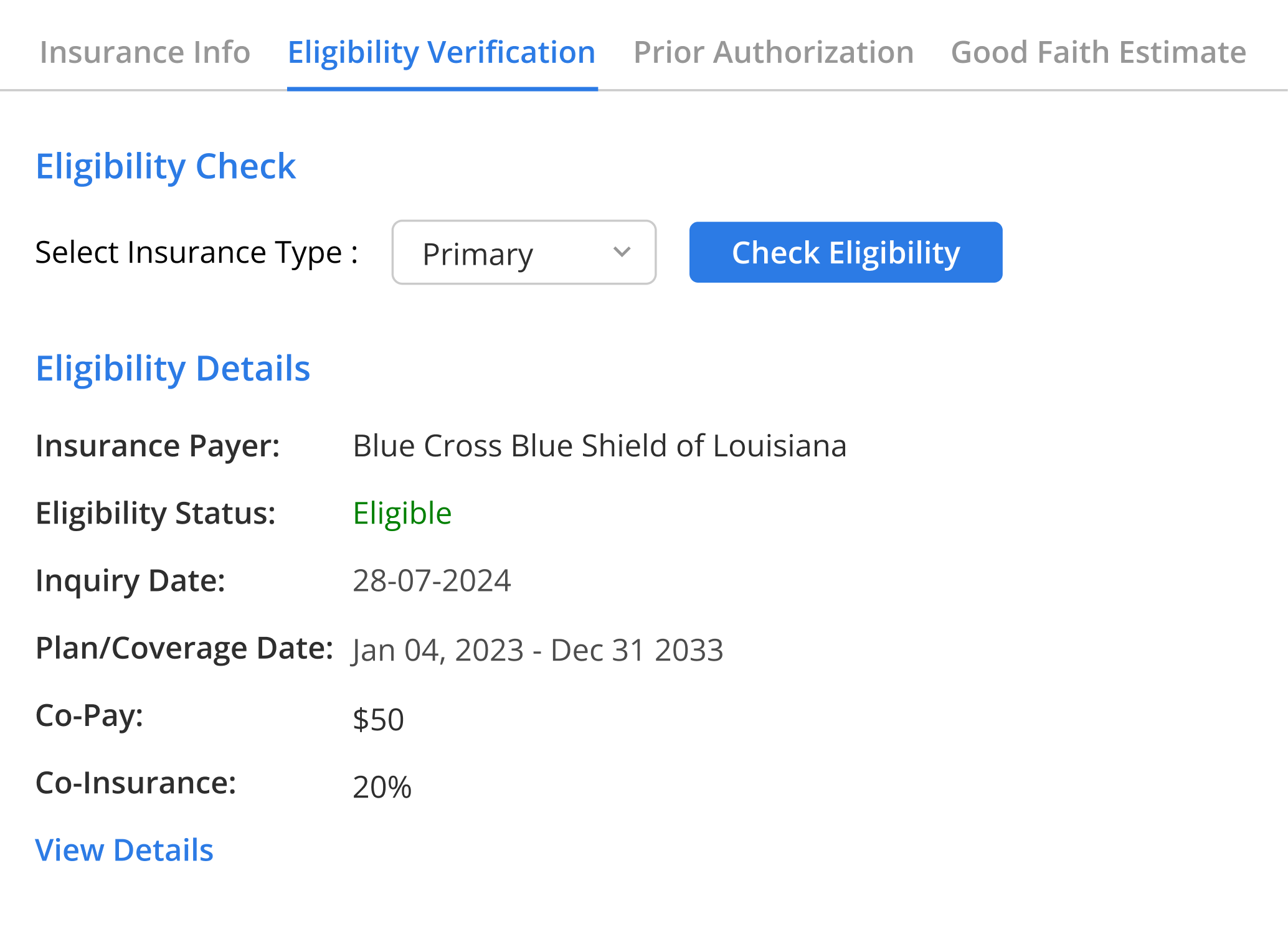
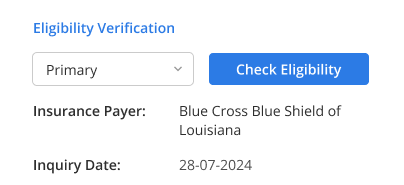
Insurance Eligibility

Catch coverage gaps before the patient arrives

Coverage issues, eligibility mismatches, and claim delays often trace back to problems discovered too late in the check-in process.

Verify active insurance before the visit no last-minute front-desk scrambles

Confirm patient responsibility upfront reduces billing surprises after the visit

Flag missing payer details early fewer claim rejections downstream

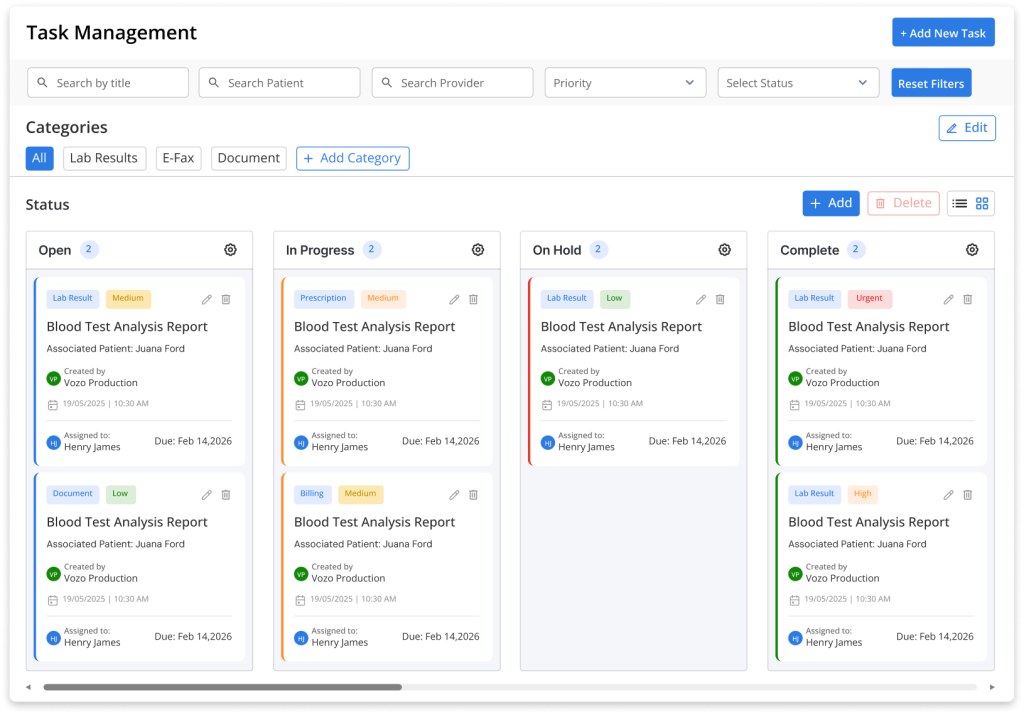
Task Management

No more steps falling through the cracks

When work is passed around informally, steps get missed and tasks fall through. Clear task routing keeps everyone aligned on what’s next.

Route tasks by role work goes directly to the right staff member, not a shared inbox

Keep next steps visible no sticky notes, no side messages, no missed follow-ups

Automate repetitive daily steps teams focus on patients, not process management

Billing

Keep claims moving, not sitting in a backlog

Billing delays create revenue gaps and staff stress. Charge capture, payment posting, and balances stay organized in one clean workflow.

Track outstanding balances without switching between systems

Keep claims moving reduce unpaid follow-up that piles up across the week

Review billing progress at a glance built for busy clinic staff, not accountants

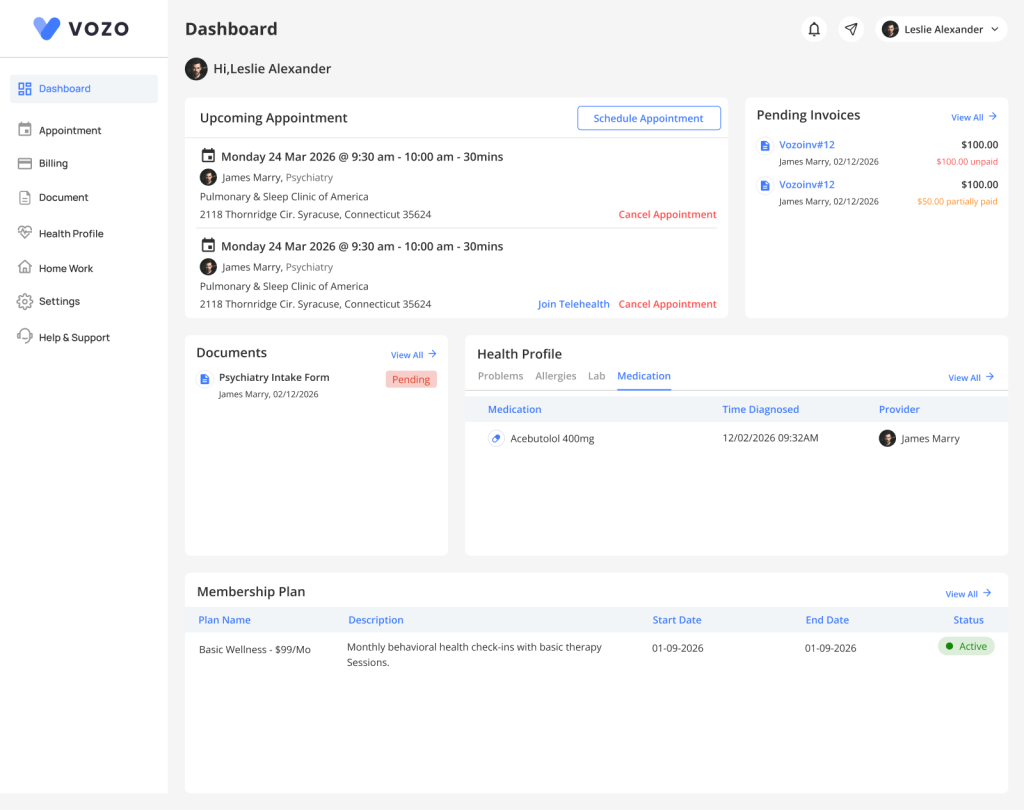
Patient Portal

Give patients one place reduce a hundred calls

Most routine calls are patients needing updates or forms. A self-service portal reduces interruptions and improves the patient experience.

Automated reminders reduce no-shows without staff making manual calls

Secure messaging replaces routine phone calls staff handle fewer interruptions daily

Patients stay engaged between visits better continuity, fewer missed follow-ups

Features

More Features

Forms and Templates

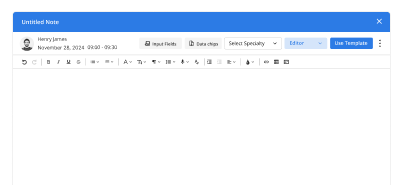
Create consistent intake, charting, and office documents that save time and reduce repeated manual entry.

Reminders

Send appointment and follow-up reminders that help reduce no-shows and keep schedules more predictable.

Analytics and Reports

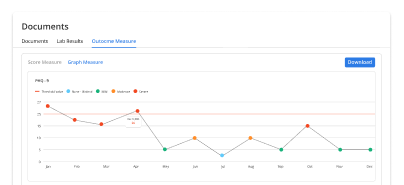
Track operational and billing performance with reports that help teams act faster and stay informed.

Integration

Connect your EHR practice management system with other tools to reduce duplicate work and improve coordination.
Digital Intake

Connect your EHR practice management system with other tools to reduce duplicate work and improve coordination.

Patient Messaging

Keep routine updates, follow-up questions, and office communication in one place to reduce phone volume and missed responses.

How it works

Create Your Vozo EHR Account in 3 Simple Steps

Set up your practice fast, keep your workflow familiar, and start charting confidently.

1
Sign Up

Sign up quickly and get started without a complicated setup process.

2
Set Up Your Practice

Add your team, workflows, and key settings in a way that feels manageable.

3
Start Seeing Patients

Run daily operations with better visibility, fewer delays, and less admin burden.

Testimonials

Success Stories From Our Users

See Why Behavioral Health Providers Love VOZO

“Vozo changed how our practice runs. We spend less time managing systems and more time with patients — everything just connects.”

— Dr. Emily Ross, Clinical Psychologist

“Finally, an EHR that understands therapists. From notes to sessions, everything feels intuitive and built for real clinical workflows.”

— Sofia Mendes, LCSW

FAQ

What Clinics Ask Before Getting Started with Vozo

Is Vozo suitable for small practices and specialty clinics?

Yes. Vozo is built for small practices, behavioral health teams, family medicine groups, and specialty clinics that need simpler scheduling, billing, and daily workflow management.

Can Vozo help reduce front-desk and billing delays?

Yes. Vozo helps staff manage scheduling, insurance eligibility, billing tasks, and patient follow-up in one system, which reduces missed steps and unnecessary rework.

Does Vozo support role-based access for different staff members?

Yes. Vozo lets you assign access by role, so front-desk staff, providers, and billing teams can work with the right level of visibility and responsibility.

Can patients use Vozo for forms, updates, and communication?

Yes. The patient portal helps patients complete pre-visit tasks, view updates, and stay connected with the practice without adding extra phone work for staff.

Does Vozo integrate with other systems used by clinics?

Yes. Vozo supports integrations that help clinics connect other tools and reduce duplicate data entry across daily operations.

Keep Scheduling, Billing, and Patient Flow Moving Without the Daily Catch-Up

Vozo helps clinics reduce delays, cut follow-up work, and keep operations moving with less manual effort.

✓ No Credit Card Required

Launch login modal Launch register modal