
CCDA Delays Create Risk
Generate CCDAs Automatically, Without Manual Work
Last-minute CCDA requests create urgency, errors, and compliance risk. Vozo keeps clinical summaries continuously prepared, so teams respond on time without pulling staff from patient care.
Why Choose Vozo for CCDA
Built for care teams who need CCDA workflows to work quietly in the background, without manual effort.

Compliance-ready design
Built as CCDA-compliant EHR software, ensuring summaries meet required standards without extra configuration or checks.

Native EHR fit
CCDA solution for EHR systems works directly from patient records, with no exporting, formatting, or re-uploading files.

Interoperability focused
Supports CCDA interoperability solution needs for referrals, transitions of care, and external data sharing.
Features
What CCDA Handles for You
Keeps clinical summaries accurate, compliant, and ready for exchange.

Automated Generation
Automated CCDA generation creates structured summaries directly from charts, eliminating manual compilation or document assembly work.
Standards Compliance
CCDA management solution ensures required sections and data elements are included for regulatory and interoperability requirements.
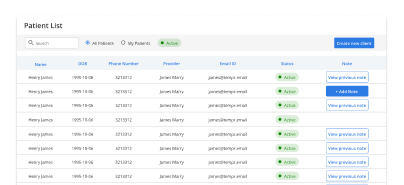
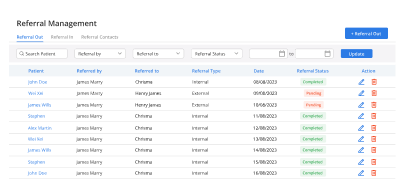
Care Transitions
Supports smooth information sharing during referrals, transfers, and continuity-of-care workflows across systems.
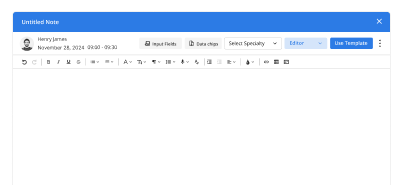
Data Accuracy
Reduces missing, outdated, or inconsistent information commonly found in manually generated clinical summaries.
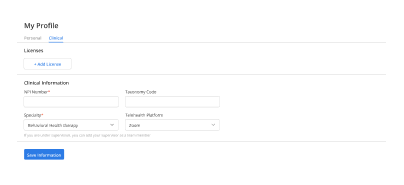
Exchange Readiness
CCDA software for healthcare keeps records prepared for audits, requests, and external data exchange at any time.
How CCDA Fits Into Your Day
Automated generation
Referral handoffs
Compliance accuracy
Preparation reduction
Audit readiness
Request responsiveness
Exchange predictability
Operational Impact You Can Measure
Clear gains in efficiency, accuracy, and readiness.
Additional Related Features
Testimonials
Success Stories From Our Users
What Practices Say
“Vozo helped our team keep CCDAs ready without last-minute manual work. Clinical summaries are easier to generate, review, and share during referrals, audits, and record requests.”
— Dr. Anika Shore, Clinical Documentation Director
“Our practice needed a more reliable way to handle CCDA requests without pulling staff away from patient care. Vozo made summary generation faster, cleaner, and easier to manage.”
— Wesley Hart, Health Information Manager
Blogs & Resources
Resources to Help Your Practice Grow
EHR Macros Strategies
Seven smart ways to use macros in EHR systems for faster clinical documentation and improved workflow efficiency.
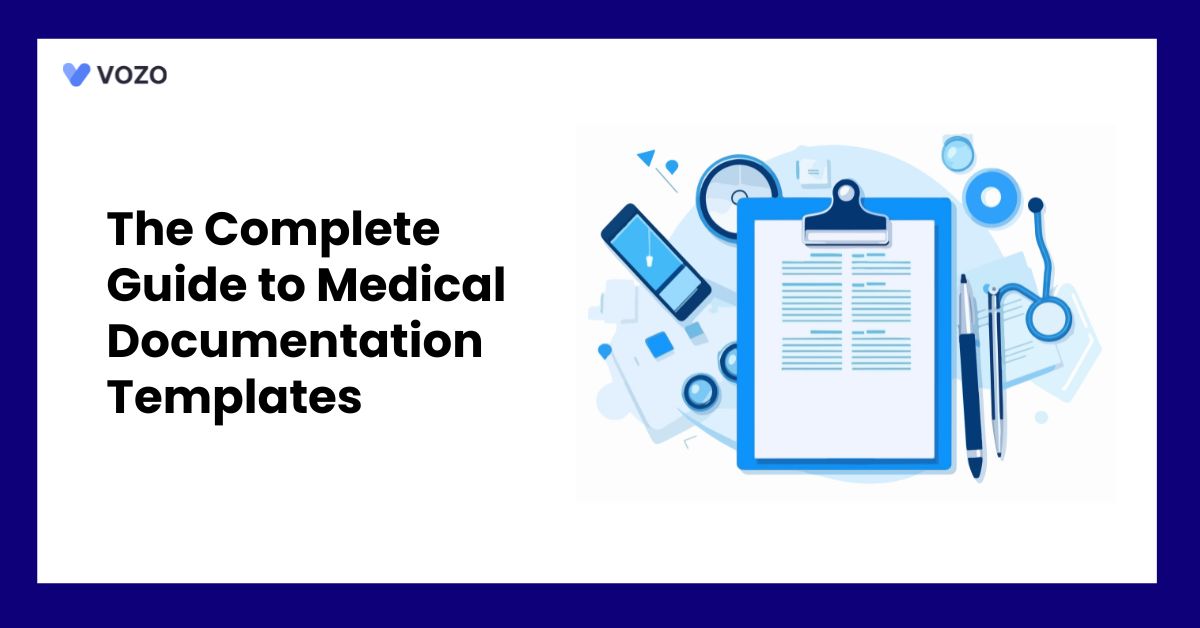
Documentation Templates Guide
Complete guide to creating and implementing medical documentation templates for consistent and efficient patient record management.
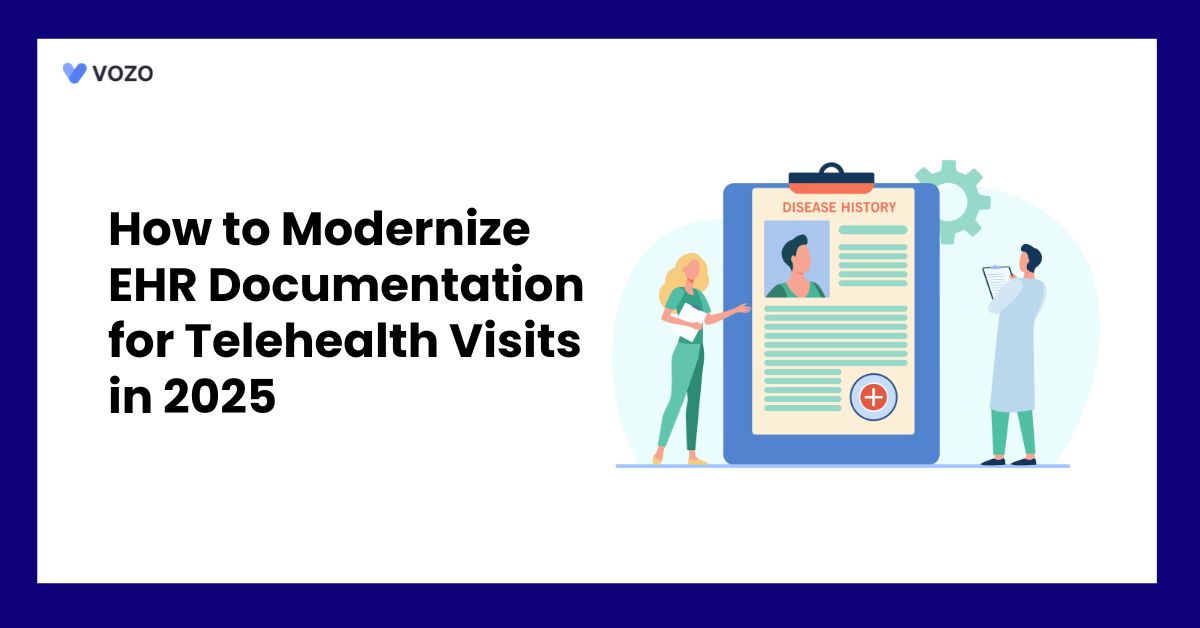
Telehealth Documentation Guide
User guide for effective EHR documentation during telehealth visits, ensuring compliance and complete patient encounter records.
FAQ
What Care Teams Ask About CCDA
Clinics use CCDA documents to share structured patient health information between providers, hospitals, specialists, and other care systems. A CCDA file can include problems, medications, allergies, lab results, procedures, and care summaries. This helps providers review patient history faster and reduce gaps during referrals or care transitions.
CCDA files are commonly used during referrals, hospital discharge follow-ups, patient record transfers, care coordination, and EHR migration. They help receiving providers access key clinical details without waiting for faxed records or manually re-entered summaries. This makes patient handoffs more accurate and easier to manage.
A CCDA summary may include demographics, diagnoses, allergies, medications, immunizations, procedures, lab results, vital signs, care plans, and encounter details. The goal is to package important clinical information in a structured format so that another healthcare system can read and use the data more consistently.
CCDA exchange gives specialists and receiving providers a structured view of the patient’s clinical history before care begins. Instead of relying on incomplete notes or delayed record requests, providers can review medications, conditions, test results, and prior care details in one standardized document.
CCDA support helps EHR systems exchange clinical summaries using a standardized document format. This reduces data silos and makes it easier for different healthcare platforms to share patient information. It is especially useful when practices need structured records for referrals, transitions of care, and external provider communication.
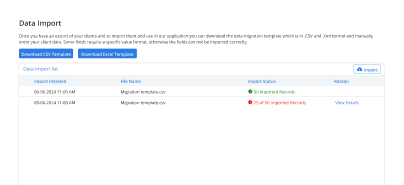
Yes. CCDA documents can reduce manual entry by importing structured patient data into the EHR. Instead of typing medications, allergies, diagnoses, and visit summaries from paper records, staff can use CCDA files to capture key information more efficiently and reduce transcription errors.
Practices should review CCDA import errors before adding records to the live patient chart. Missing fields, formatting issues, duplicate entries, or unsupported data sections should be checked and corrected. A strong CCDA workflow helps protect record accuracy and prevents incomplete information from affecting clinical decisions
Vozo supports CCDA record exchange by helping practices import, review, and manage structured patient summaries within the EHR. This helps care teams access important clinical details from outside systems and keep patient records more complete during referrals, transitions of care, and data migration workflows.
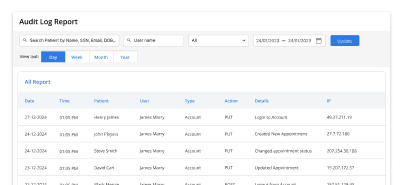
Vozo allows practices to control CCDA record access through role-based permissions. Only authorized users can view, update, or manage imported patient summaries based on their assigned role. This helps clinics protect sensitive clinical data while keeping CCDA information available to the right care team members.
Practices can access Vozo CCDA support through Vozo pricing plans starting at $25 per month for EHR access. Teams can also schedule a guided demo to review CCDA import, record exchange, and interoperability workflows based on their practice’s data-sharing needs.
Stabilize your schedule now before small gaps turn into daily disruptions.
✓ No Credit Card Required
- 24/7 Support
- Free data migration from your old EHR
- Built-in telehealth
- Automated appointment reminders
- Increase revenue by 30%
- Complete patient notes