
Vozohealth

Lab Delays Disrupt Care.

Integrated Lab Software that Delivers Results on Time

Delayed lab results slow decisions and add work. Vozo ensures results are available when care decisions are made.

Why Choose Vozo for Integrated Labs

Built for care teams who rely on timely lab data without managing external portals or manual imports.

Workflow-ready Integration

Lab orders and results appear inside clinical workflows instead of forcing staff to log into separate lab systems.

EHR native Connection

Lab integration EHR workflows keep orders, results, and patient records aligned without duplicate entry.

Built In Compliance

Compliant lab integration supports secure handling of results without adding administrative overhead.
Features

What Integrated Labs Handles for You

Keeps lab ordering, results, and follow-up accurate and efficient.

Lab Ordering

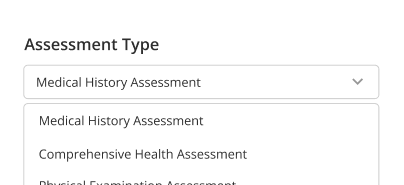
Lab order management software sends orders electronically, reducing manual forms, faxes, and order clarification delays.
Result Delivery

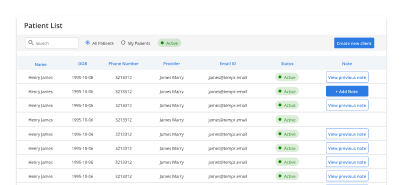
The electronic lab results system delivers structured results directly into patient charts for faster clinical review.
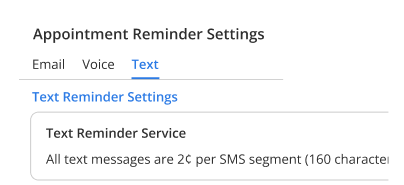
Automated Matching

Automated lab results integration links incoming results to correct patients, reducing mismatches and manual reconciliation work.
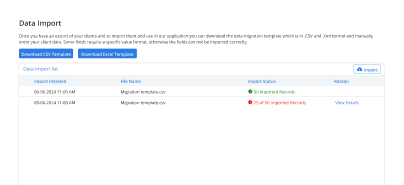
Status Visibility

Staff can track ordered, pending, and completed labs without calling labs or checking external portals.
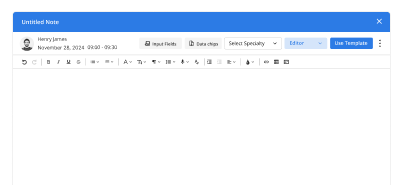
Chart Accuracy

Results are posted directly into records, keeping documentation complete and reducing missed or overlooked findings.
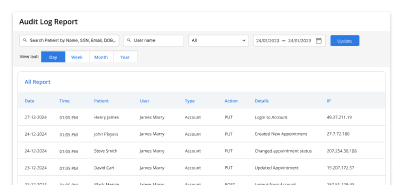
Secure Exchange

Compliant lab integration ensures lab data is exchanged securely and aligned with healthcare privacy requirements.

How Integrated Labs Fits Into Your Day

Status visibility

Result availability

Manual reduction

Decision speed

Patient communication

Documentation clarity

Operational predictability
Operational Impact You Can Measure

Clear improvements in turnaround time and staff efficiency.

Faster Results
0 %
Less Follow Up
0 %
Lost Results
0
Fewer Delays
0 %

Additional Related Features

Clinical Documentation

Complete charts ➜

Interoperability

External records ➜

Patient Portal

Result visibility ➜

eRx

Medication follow through ➜

Testimonials

Success Stories From Our Users

What Practices Say

“Vozo helped our providers review lab and imaging updates with better visibility. Results, orders, patient notes, and follow-up tasks stay connected, so fewer details get missed during busy clinic days.”

— Dr. Cassian Vale, Diagnostic Care Physician

“Our clinic needed a cleaner way to manage lab orders, imaging requests, and result follow-ups. Vozo made it easier for providers and staff to track what was ordered, received, and reviewed.”

— Elena Harrow, Clinical Operations Manager

Blogs & Resources

Resources to Help Your Practice Grow

Lab Integration Benefits

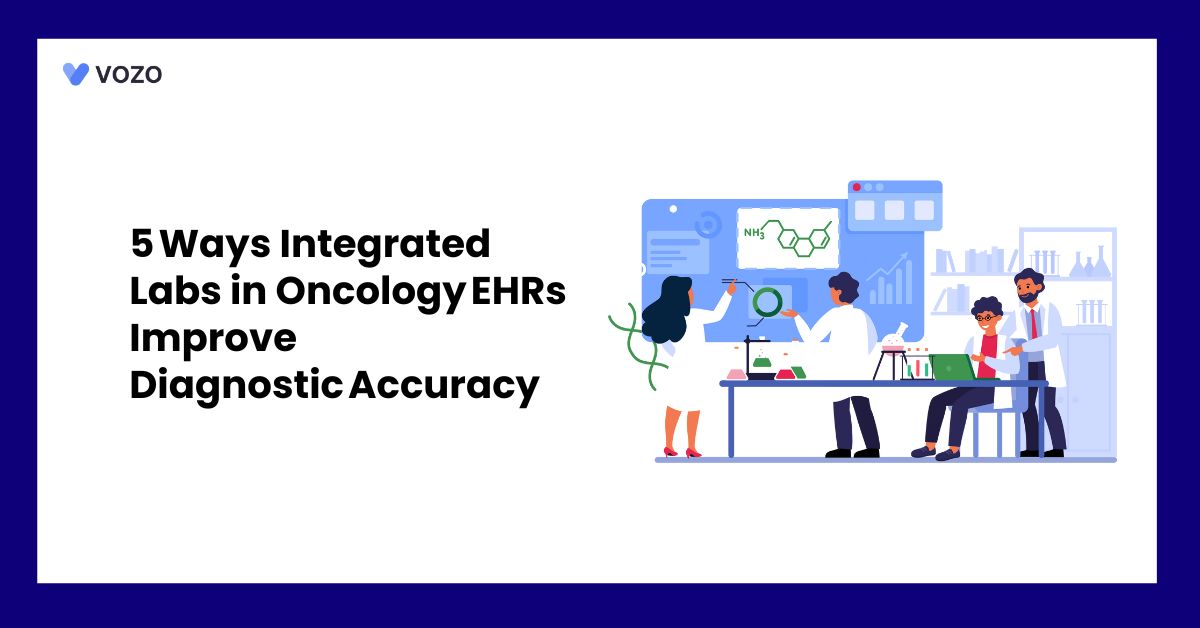
Five ways integrated labs in oncology EHRs improve diagnostic accuracy through faster results and reduced ordering errors.

EHR Systems Connection

Seamless integration strategies connecting EHR with lab, pharmacy, and billing systems for streamlined clinical workflows.

EHR-EDC Strategies

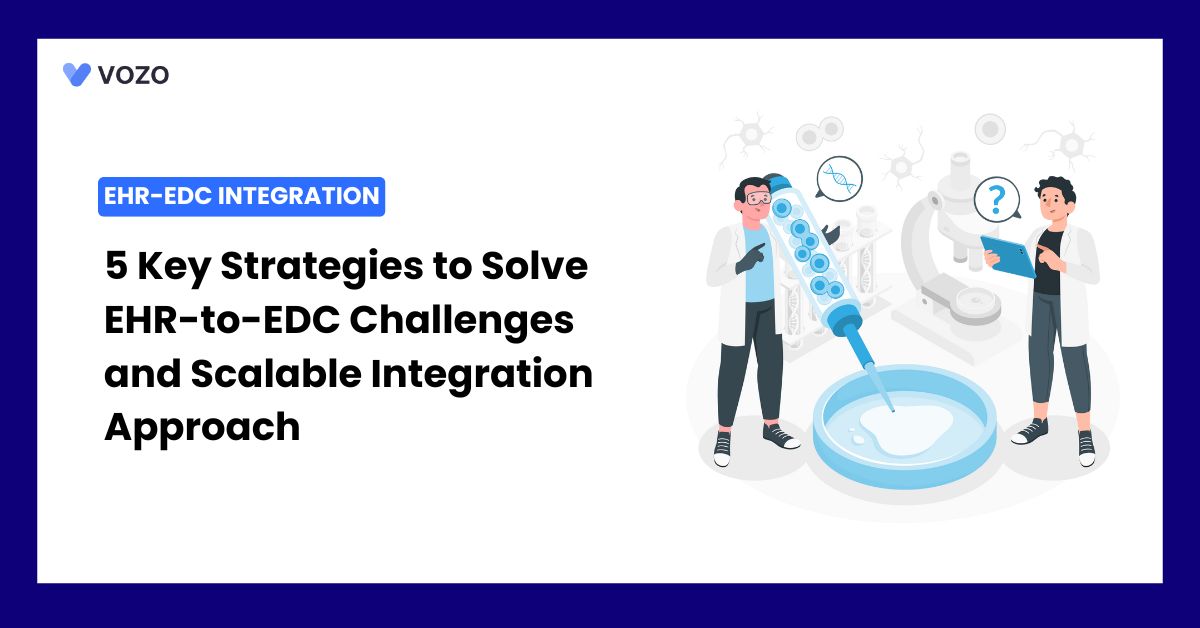
Five key strategies for solving EHR-to-EDC integration challenges with scalable approaches for clinical research efficiency.

FAQ

What Care Teams Ask About Lab Integration

Why do manual lab orders slow down clinical workflows in clinics?

Paper-based lab requisitions create delays, transcription errors, and lost orders between the clinic and the diagnostic facility.

Without integrated lab software, staff spend significant time faxing orders, calling for results, and manually entering data, adding avoidable administrative burden to every encounter that requires diagnostic testing.

How does lab integration EHR eliminate duplicate data entry for providers?

Lab integration EHR connects the ordering workflow directly to the patient chart, providers place orders, track specimen logistics, and receive results without re-entering data at any step.

When results arrive from the lab, they populate automatically into the patient record, eliminating manual transcription and reducing the risk of documentation errors.

How does lab order management software work inside a patient chart?

Lab order management software lets providers select tests, configure panels, set priorities, and transmit requisitions to preferred diagnostic facilities directly from the patient encounter.

Orders are placed with a few clicks, specimen logistics are tracked in real time, and results return automatically into the same chart without switching between systems.

What is an electronic lab results system, and how does it work?

An electronic lab results system receives structured diagnostic data from external labs and delivers it directly into the patient chart the moment results are ready.

Providers are notified automatically, abnormal values are flagged for review, and the full results history is visible alongside clinical notes, medications, and treatment plans in one view.

How does automated lab results integration reduce result turnaround time?

Automated lab results integration eliminates the fax and phone call cycle between clinic and lab; results are transmitted electronically the moment they are available.

Providers review and act on findings faster, reducing the delay between test completion and clinical decision making, which is especially critical for time-sensitive diagnostic results and chronic care monitoring.

Vozo’s integrated lab software connects to LabCorp and other major diagnostic networks, delivering automated results directly into the patient chart without manual retrieval or re-entry.

Can lab orders be saved as templates for recurring diagnostic tests?

Yes. Lab order management software that supports reusable test panels lets providers save frequently ordered combinations as templates, eliminating repetitive selection for patients with recurring diagnostic needs.

This speeds up ordering for chronic disease patients, reduces the chance of missing a routine test, and keeps ordering consistent across multiple providers in the same practice.

How does compliant lab integration protect patient diagnostic data?

Compliant lab integration ensures all diagnostic data transmitted between the EHR and external labs is encrypted in transit and at rest, access controlled by role-based permissions, and logged with full audit trails.

This meets HIPAA requirements for diagnostic data exchange without requiring the practice to configure separate security protocols for lab communication.

How does Vozo lab integration with EHR connect to imaging workflows?

Vozo lab integration EHR supports both diagnostic lab ordering and medical imaging within the same clinical workflow.

Providers place lab and imaging orders from the patient chart, track specimen and study logistics in real time, and receive results directly into the record, keeping diagnostic data consolidated alongside clinical notes, vitals, and treatment plans.

Does Vozo's automated lab results integration support DICOM imaging viewing?

Yes. Vozo supports DICOM viewer EHR integration, allowing providers to view diagnostic imaging studies directly within the patient chart without logging into a separate PACS system.

Medical images are stored securely in the cloud, organized by study and report, and accessible alongside lab results for a complete diagnostic picture at every encounter.

How do I get started with Vozo integrated lab software for my practice?

Vozo offers a 14-day
free trial with no credit card required and full access to integrated lab software, electronic lab ordering, automated lab results integration, and imaging tools.

A guided demo is also available for practices wanting a walkthrough of how Vozo’s compliant lab integration fits their diagnostic and clinical documentation workflows.

Every Missed Slot Costs More

Stabilize your schedule now before small gaps turn into daily disruptions.

✓ No Credit Card Required


  • 24/7 Support
  • Free data migration from your old EHR


  • Built-in telehealth
  • Automated appointment reminders


  • Increase revenue by 30%
  • Complete patient notes
Launch login modal Launch register modal