
Stop Losing Appointments Daily.
Patient Appointment Scheduling Software that keeps Schedules Full
Missed appointments disrupt care, staff flow, and revenue. Vozo restores control with reliable, HIPAA-compliant appointment scheduling built into your EHR.
Why Choose Vozo for Scheduling
Built for outpatient teams managing constant schedule changes without added complexity.

Clinical fit
Designed for real clinic schedules that change throughout the day, not once.
Less phone work
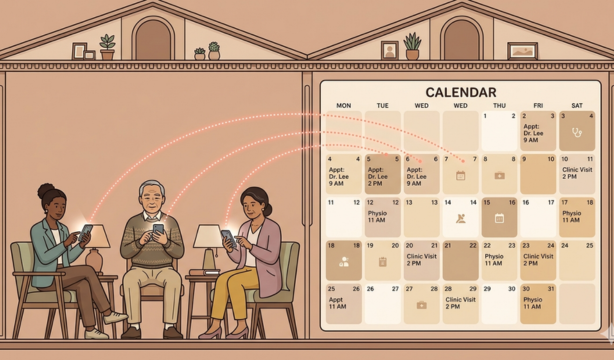
Online patient appointment scheduling reduces inbound calls while keeping staff control.
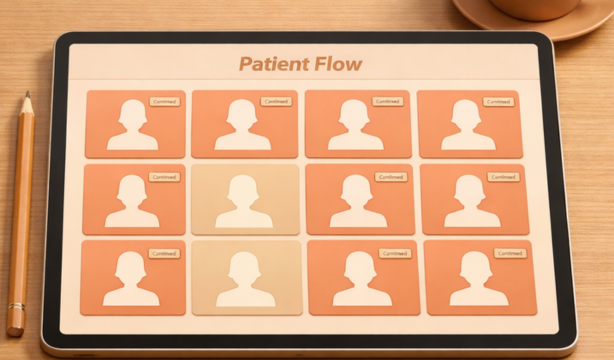
Fewer no-shows
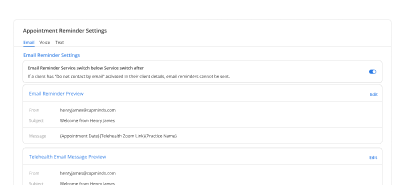
Appointment reminder automation keeps patients informed and prepared to attend visits.
Features
What Scheduling Handles for You
Keeps appointments accurate, visible, and predictable across providers and care teams.

Smart Time Slots
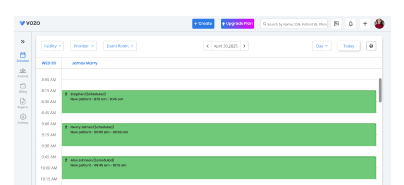
Automatically aligns visit types with accurate durations, preventing overbooking while keeping provider schedules balanced daily.
Self-service Booking
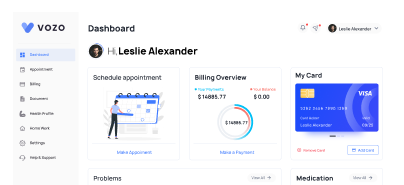
Patients request appointments through secure online access, reducing phone traffic while maintaining practice-defined scheduling rules.
Waitlist Management
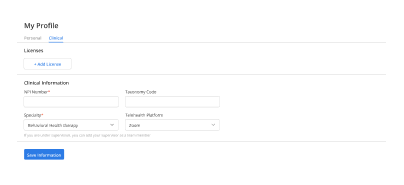
Cancelled appointments are filled quickly using prioritized waitlists, minimizing revenue loss and unused provider availability.
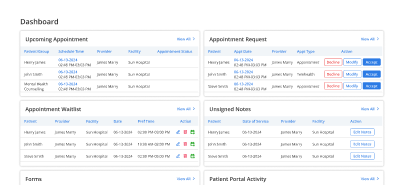
Live Calendar Sync
Staff always see the latest schedule changes across providers, reducing confusion during handoffs and shift changes.
How Scheduling Fits Into Your Day
Fewer phone calls
Less staff stress
Less rework
Smoother check-in
Predictable clinic days
Clear schedule visibility
Better patient experience
Operational Impact You Can Measure
See immediate improvements in schedule stability and front-desk efficiency.
Additional Related Features
Testimonials
Success Stories From Our Users
What Practices Say
“Vozo helped our front desk bring more order to appointment scheduling. Patient bookings, reminders, cancellations, and follow-ups are easier to manage without constant manual tracking.”
— Arielle Vaughn, Patient Access Coordinator
“Our clinic needed scheduling software that could handle provider availability, patient flow, and same-day changes without confusion. Vozo made appointment management faster and more predictable.”
— Dorian Miles, Practice Scheduling Manager
Blogs & Resources
Resources to Help Your Practice Grow
Online Scheduling Setup Guide
Step-by-step guide to setting up online appointment scheduling that improves patient access and workflow efficiency.
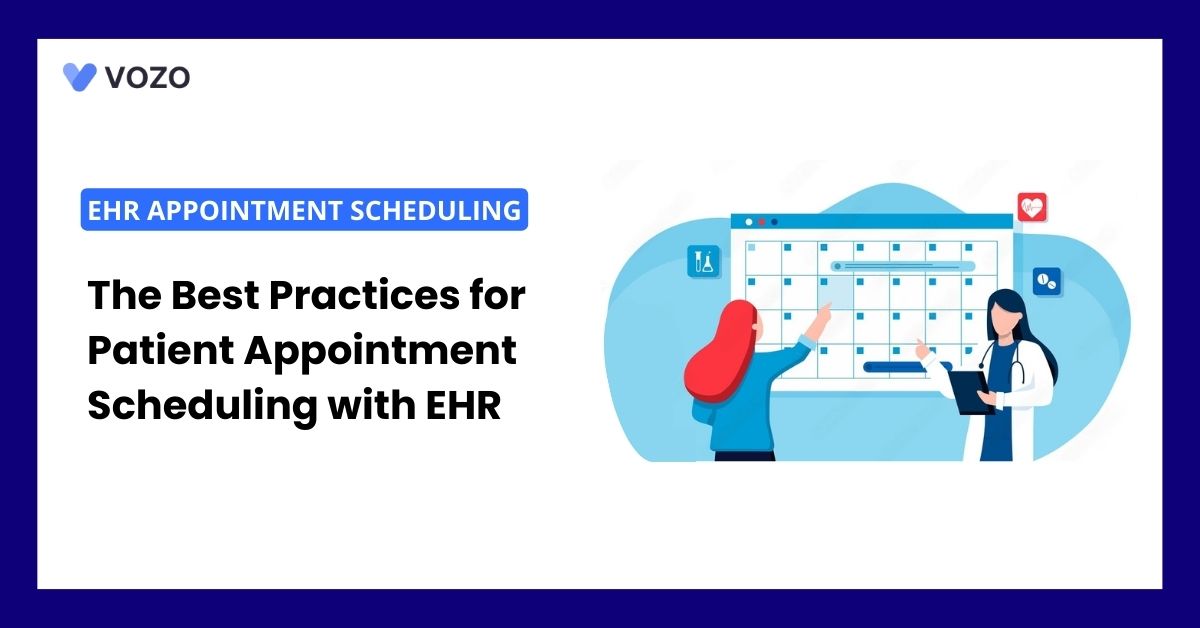
Best Scheduling Practices
Best practices for managing patient appointment scheduling within EHR systems to boost efficiency and reduce errors.
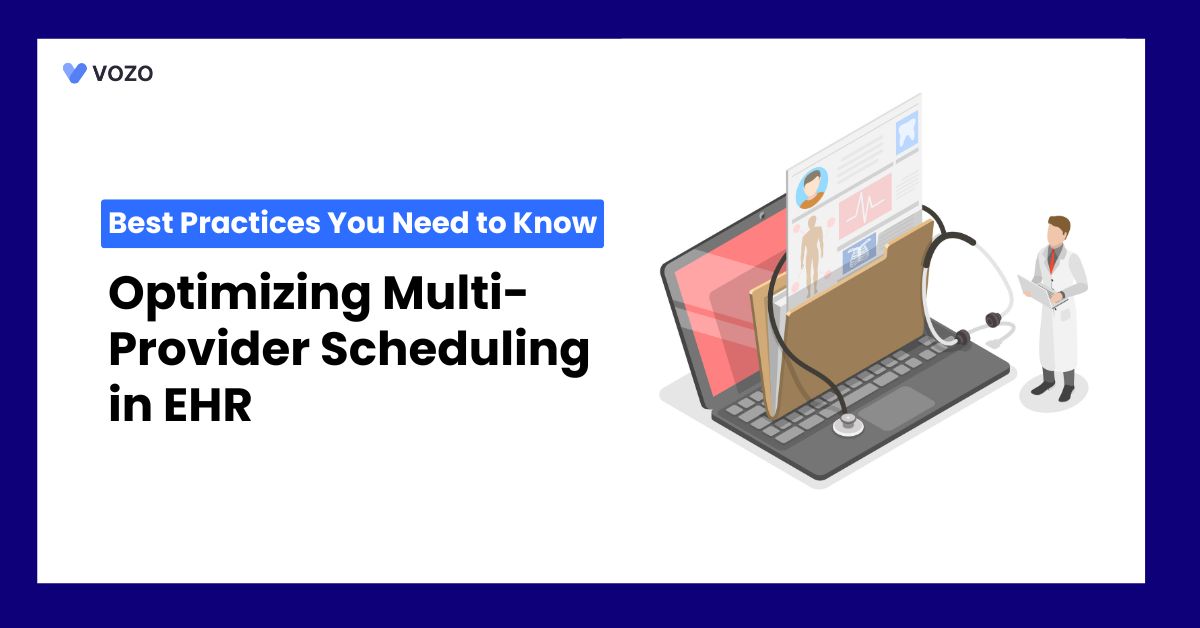
Optimizing Multi-Provider Scheduling
Tips for optimizing multi-provider scheduling to reduce appointment overlaps and enhance care coordination efficiency.
FAQ
What Care Teams Ask Us About Scheduling Workflows
Most clinics send reminders too early or use generic messages with no easy rescheduling option. Without smart, timely automated reminders built into the scheduling workflow, patients forget, and slots go unfilled, directly impacting provider availability and daily revenue.
Scheduling software automates booking confirmations, cancellation handling, and waitlist filling, tasks that consume hours of staff time daily. Front desk teams spend less time on phone calls and more time on patient coordination, improving practice efficiency without adding headcount.
Yes. Modern EHR systems include patient self-scheduling portals where patients view real-time provider availability, choose appointment types, and book or reschedule without calling the clinic.
Vozo supports self-scheduling for both telehealth and in-person visits, letting patients book at their convenience while keeping provider calendars accurate.
Double booking occurs when staff access the same calendar without real-time sync. EHR scheduling software with live availability tracking and role based calendar access prevents conflicts automatically before they reach the front desk and disrupt patient flow.
Integrated EHR scheduling carries appointment data directly into billing, triggering insurance eligibility checks and claim preparation without duplicate entry. Telehealth visits launch from the scheduled appointment automatically.
Vozo connects scheduling natively with telehealth, billing, and clinical documentation, keeping the entire visit workflow in one place.
When a cancellation occurs, the system identifies the next eligible waitlisted patient and notifies them of the open slot automatically. This eliminates manual callback lists, reduces provider downtime, and keeps the daily schedule fully utilized without extra staff effort.
Most small clinics go live within a few days to two weeks, depending on data migration and staff size. Cloud-based systems with guided onboarding are significantly faster than legacy setups requiring on-site configuration.
Vozo starts at just $25 per provider per month, includes full scheduling access from day one, and offers a 14-day free trial with no credit card required.
Vozo runs real-time insurance eligibility checks directly within the appointment workflow. Staff can instantly verify active coverage, confirm patient responsibility, and flag missing payer details before the visit, preventing check-in delays and reducing downstream billing errors significantly.
Yes. Vozo scales across practice sizes. Solo providers get a fast scheduling interface with automated reminders and billing sync. Group practices benefit from multi-provider calendar management, role-based staff access, and shared waitlist controls, all within the same platform without switching plans.
Getting started with Vozo is simple. Submit the demo request form on the Vozo website to connect with the team directly. A 14-day free trial is also available instantly with no credit card required, giving full access to scheduling alongside billing, telehealth, and patient portal features.
Stabilize your schedule now before small gaps turn into daily disruptions.
✓ No Credit Card Required
- 24/7 Support
- Free data migration from your old EHR
- Built-in telehealth
- Automated appointment reminders
- Increase revenue by 30%
- Complete patient notes